Kindle+LoRa device
Disclaimer 1: this is currently a Work in Progress.
Disclaimer 2: English is not my first language, sorry in advance for any grammar/spelling mistakes.
Note: this post was last updated on 25/04/26.
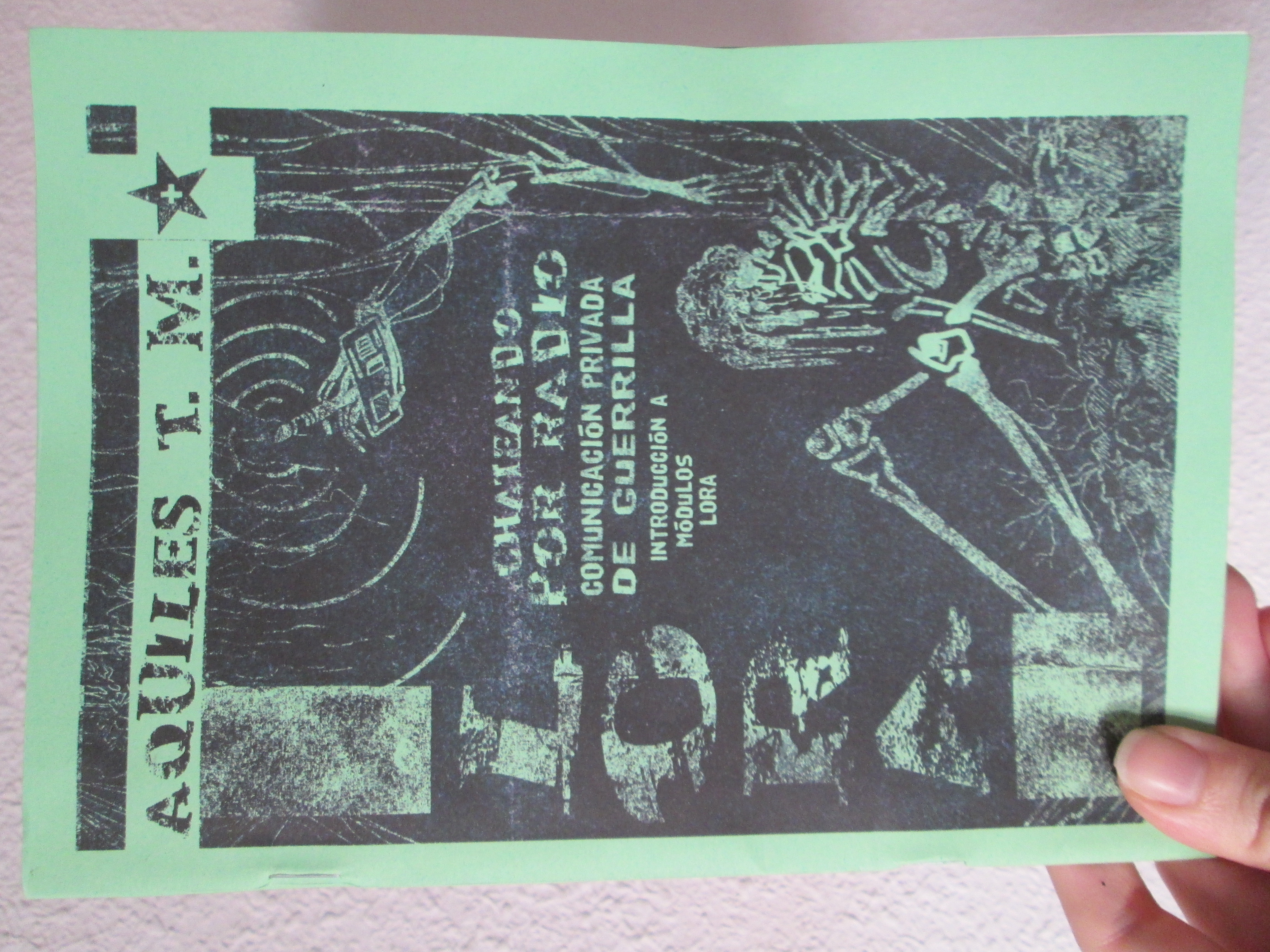
So I recently fell down the LoRa rabbit hole because of this fanzine by Aquiles T. M. I won't go into detail about it because you can find all the info, and probably better explained, on the Meshtastic web.
I was growing obsessed with the idea of building some kind of device that would allow me to chat via LoRa protocol without my phone or my computer. I toyed with the possibility of using an old dumphone or, in case i couldn't jailbreak it, re-use its parts. Unfortunately I don't have the equipment. I probably could have bought all the necessary pieces on aliexpress, but (i don't know why) I'm fixated on the idea of using old things I already own. I guess it's an urge to give all this tech a second life instead of feeling like I'm producing more waste. So I picked up my mom's old Kindle: a gen 3 Kindle Keyboard. It was doing weird things by the time I fully charged it, so for a moment I was convinced the project was over before I even started. Fortunately, the problem got magically solved (I think it's because I fully reset it).
PART 1: Jailbreaking The Kindle
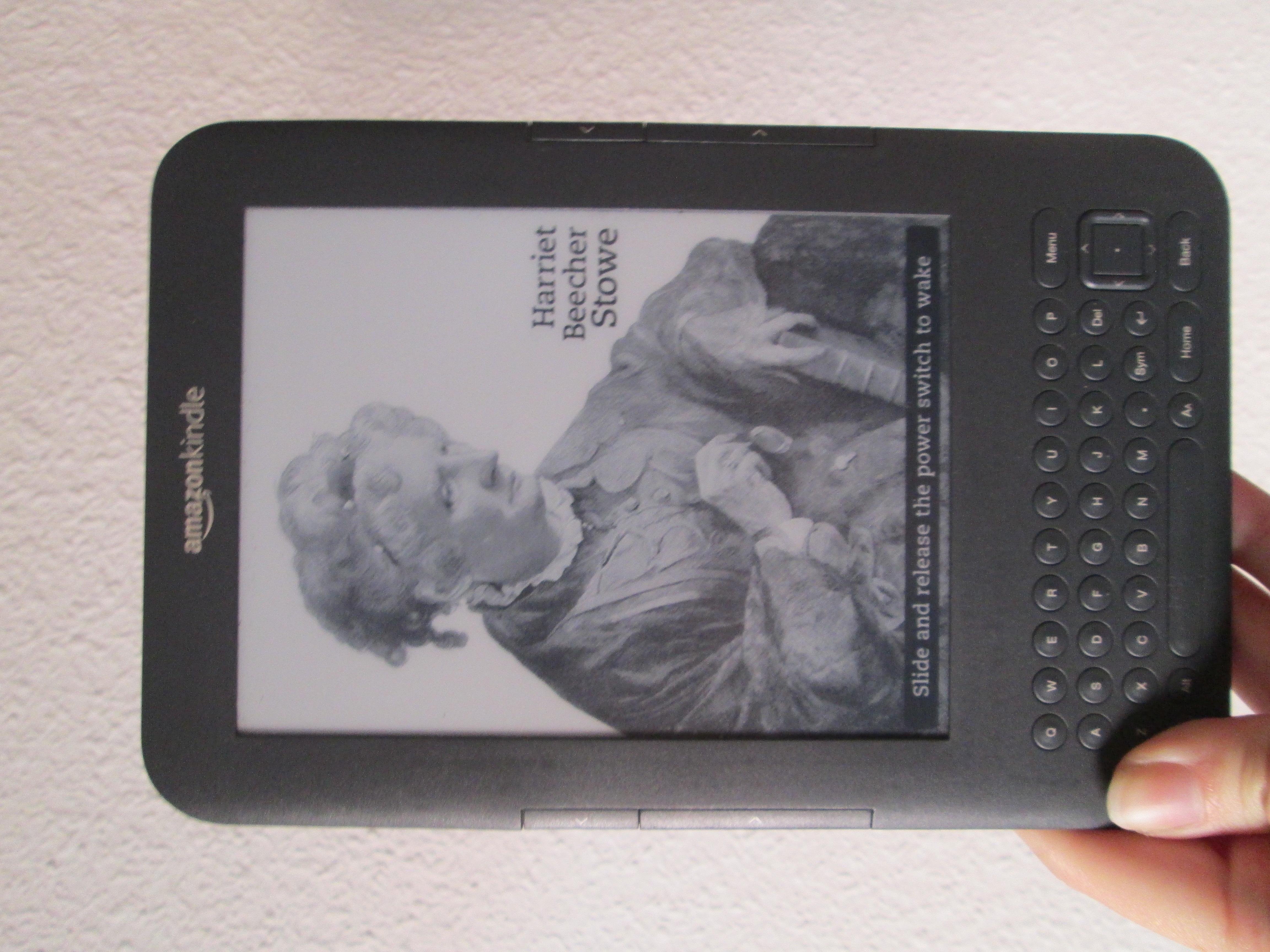
This is an easy and rather straightforward process thanks to some good samaritans who took the time to explain it and upload all the necessary programs. I will name the steps I followed for my model.
- Factory reset the device. I did not have to register my ebook and I don't think I could do it even if I wanted to (believe me, I tried). After recent news about Amazon stopping old Kindles tech support I'm kinda glad I couldn't.
- Connect the ebook via usb cable to your computer. You need a cable that allows files transfer.
- Download the
kindle-jailbreak-0.13.N.zipfile from this megathread and copy it on the root of your Kindle (the root is the main file, it will be name Kindle or something similar. It should automatically open when you connect it). - Eject the Kindle and go to Home>Menu>Settings>Menu>Update Your Kindle.
- Install KUAL, MKK and Python by following the same process. You CANNOT copy the three of them and update the same time, unfortunately, so this will be a rather tedious process.
- At this point I had to install a Keystore because I was having trouble but you may not need it. You can find it here.
- Install MRPI by downloading the file and extracting it. Copy 'extensions' and 'mrpackage' in the kindle's root. This will make future installations easier to manage. Why didn't I use it earlier? Well, I didn't know any better.
PART 2: Configuring your LoRa module
I bought a Heltec V3 from Aliexpress (you can find them for 15-20€). I wanted something relatively cheap since it was the first time i was going to be using it. Bear in mind this model doesn't have GPS, so if you're searching for something to use in case of emergencies while hiking or similar, you might wanna buy either a node with GPS (Meshtastic has a buying guide or you can ask on r/meshtastic) or you can buy a GPS attachment and add it later. I also bought a slightly bigger antenna than the one that came with the node. There's probably better antennas out there (I didn't research that much) but I'm currently happy with this one.
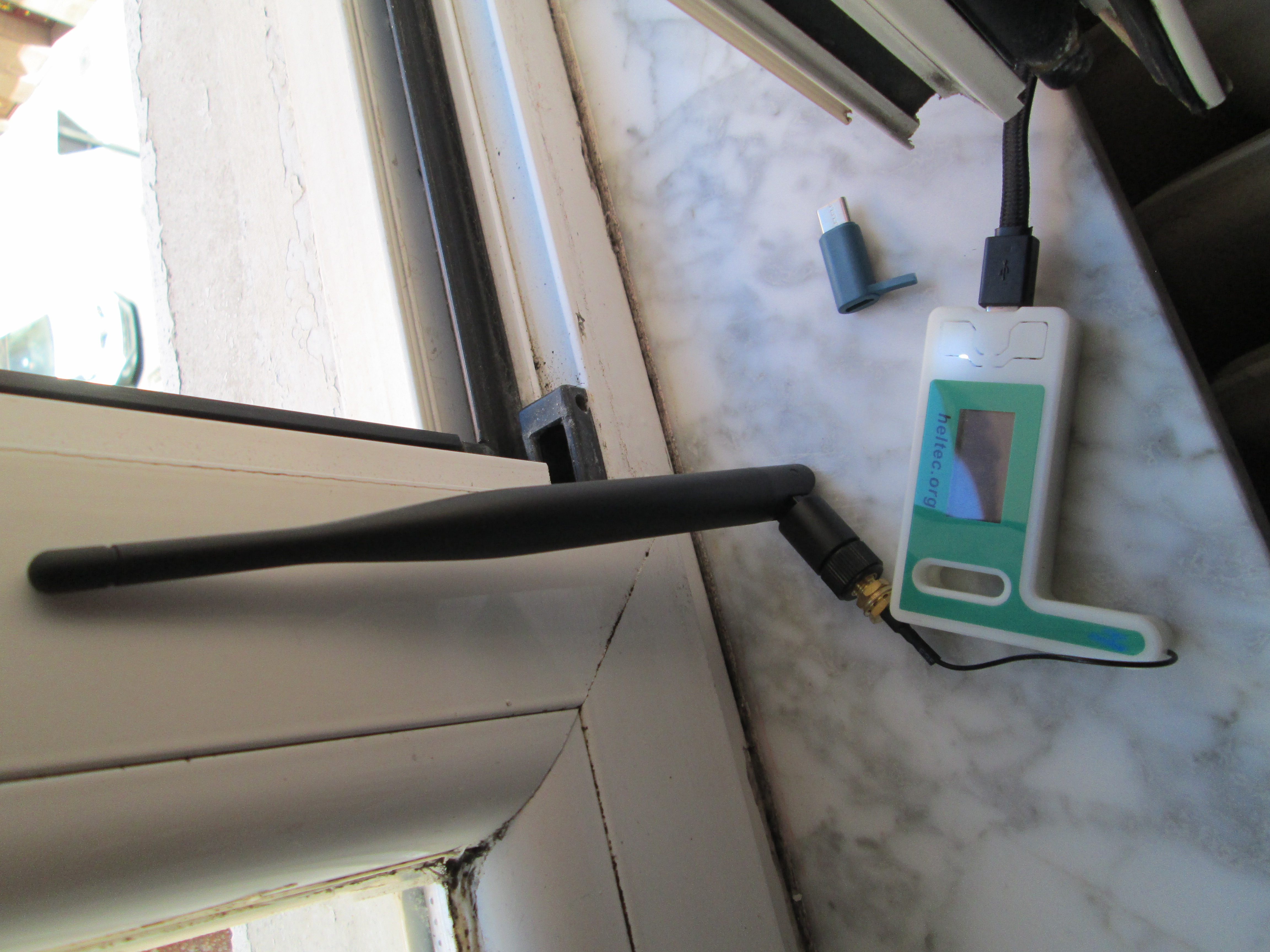
When I finally receive it I flashed the firmware (it was supposed to come with it already, but I re-did it just in case) and I installed the app on my phone so I could do the initial configuration. This part is also really easy, because you can find the step-by-step guides on the website.
PART 3: Problems Arise
At this point in my journey I was feeling really smug and really confident about my plan. The idea was to run the Python client (meshtastic CLI). However, you have to bear in mind Kindle doesn't have a terminal. There's been a project that installs a terminal for newer ebooks such as paperwhites, but nothing for my geriatric KK.
The next logical step was trying a SSH terminal so i could use my PC. I installed USBNetwork (from the same megathread I used for the jailbreak process) and I connected my Kindle to my computer. In case you don't know, USBNetwork allows SSH to work via USB cable instead of using Wi-Fi. Welp, it didn't work.
PART 4: It's So Over/We Are So Back
A friend suggested I tried connecting the kindle to the Wi-Fi and using SSH the traditional way. DO NOT DO THIS. Amazon will revoke certain permits and you will not be able to use KUAL. If you're lucky and you didn't have USBNetwork enable, you can fix this by re-installing the keystore (see Part 1). If you're unlucky, like me, you will have to factory reset and do everything again :(
After that, I searched for a new RNDIS driver. I followed this instructions and I configured it by following this guide . IMPORTANT: you have to edit the config file (usbnet/etc/config) to make HOST_IP and KINDLE_IP match the ones on the guide (HOST_IP=192.168.15.201 & KINDLE_IP=192.168.15.244
).
Before connecting to server, enable USBNetwork on your Kindle and on the main menu "open" the search bar by clicking [DEL] on the keyboard. First, type ;debugOn and click enter. Then, type ~usbNetwork (`usbNetwork on FW 2.x) and click enter. Finally, type ;debugOff and click enter. You can now connect it and type on the pc's terminal ssh root@192.168.15.244. It may ask for a password. Usually, it's 'mario' but if that fails, use this website to find your password.
And finally we're in!
PART 5: Pip
So, funny thing, when you install Python on your ebook it doesn't come with pip. This means you have to install setuptools and pip (or via terminal on your pc: pip download setuptools pip --no-binary=:all: ). Copy these files on your kindle (maybe create a specific folder for them). From your Kindle's terminal, install both. For setuptools:
cd setuptools-x.x.x
python3 setup.py install
For pip, move src/pip to wherever your lib/pythonX.X/site-packages folder is (my path was /mnt/us/python3/lib/python3.9/site-packages/). We can now install the Meshtastic library (you may have to change your path here):
python3 -m pip install --no-index --find-links=/mnt/us/meshtastic_pack/ meshtastic --root-user-action=ignore
PART 6: Connecting (WIP)
Now that we have everything ready, It would be time to connect everything together. However,,, I don't currently have a way of doing this. I need a Hub USB or a Y-shaped OTG cable in order to a) first connect kindle-pc-LoRa node and finish the installation and configurationd and b) in the future connecting kindle-LoRa-battery (in case the energy from the ebook is not enough to power the node). At this point I feel like I'm dedicating too much time to this project but I'm a bitt stubborn. I'll update after I buy the cable, but in the meantime if you decide to do this project (and succeed) or if you have questions, I would love to hear about it! You can contact me via e-mail tarentola2000@gmail.com.